1 internet filter for everyone, everywhere.
WiseHaven covers explicit images before anyone sees them, without blocking the whole internet and without watching everything else on the phone.
WiseHaven covers explicit images before anyone sees them, without blocking the whole internet and without watching everything else on the phone.
Benefits
Set it once and stop checking. WiseHaven speaks up when something needs a person and stays quiet the rest of the time.
1 system for the phone, the computer, a first phone and a work laptop. Nothing to swap out when life changes.
A guardian sets up a child's phone and stays that child's Keeper until 18. At 18 the young person takes over and picks their own Keeper.
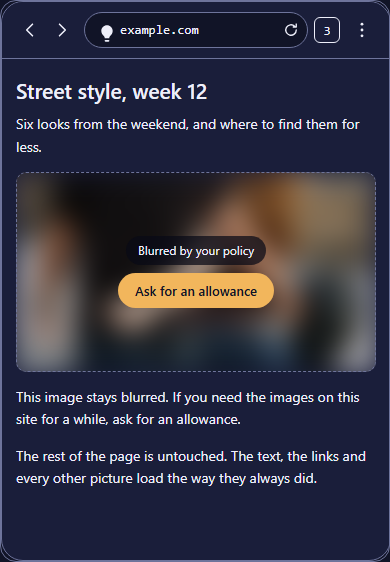
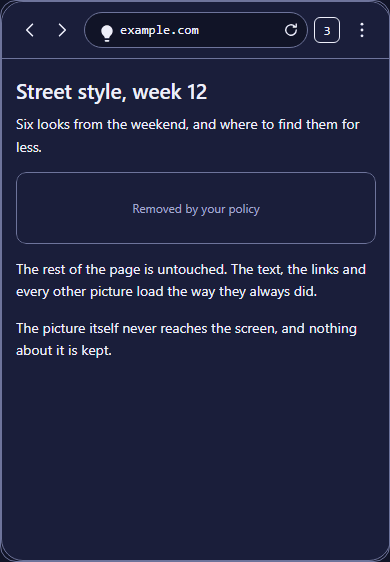
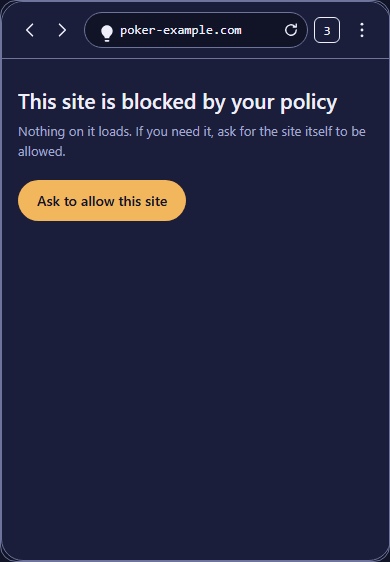
3 levels, per site and per category: No Explicit, No Explicit or Revealing, Blocked. Most sites keep working and only the covered picture is missing.
Every app runs as it is, opens in the WiseHaven Browser instead, or does not open. You choose, app by app.
Allow a site the category blocks. Block a site the category allows. Your list travels with the policy to every device on it.
Features
The WiseHaven Browser is quick, clean and dark by default, and it checks every picture as the page draws. Nothing you look at leaves the phone: the picture is scored on the device by a model that ships with the app.
The filter runs on the phone underneath every app, so known malware and phishing hosts do not load anywhere. It does not encrypt or hide your traffic, and it is not a VPN service.
An image the model is unsure about is never let through. On a child profile it is blocked. On an adult profile it is blurred.
Turning protection off, uninstalling the app and installing something to get around it are all events someone hears about.
Setup
Step 1
Pick a level for each category, then override a single site if you need to. The rules are yours, not a preset you cannot see inside.
Step 2
Install it, sign in, and the profile's policy lands on the device. Nothing to configure twice.
Android today. iPhone and the desktop add-on are coming, and neither gets a badge until you can install it.
Step 3
Protection runs from then on. You hear from WiseHaven when something needs you.
3 ways in
For a family
Explicit images covered before your kids see them. The sites they use keep working.
See WiseHaven for FamilyFor yourself
Stay safe and accountable without giving up all your privacy.
See WiseHaven KeeperA guardian sets up a child's phone and stays that child's Keeper until 18. At 18 the young person takes over and picks their own Keeper. A business runs the same system for its people. Nobody changes product at a life change.
Start the 14 day trial